Download Links
Windows
GUI
Download
Unzip
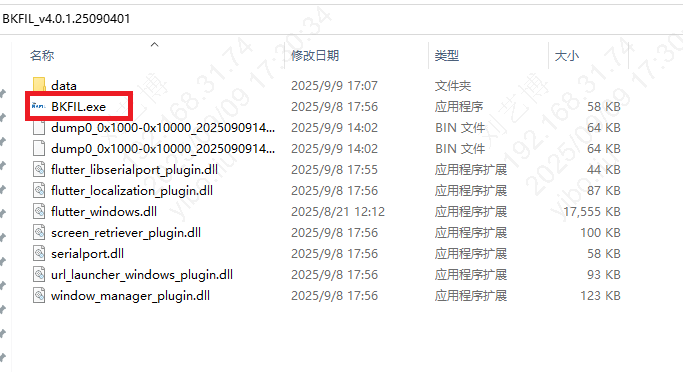
Double-click BKFIL.exe to run
CLI
Download
Unzip
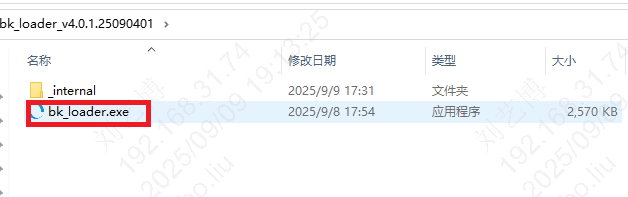
bk_loader.exe is the executable file
macOS
Note: Starting from v4.1.2, the Mac downloads are reorganized as follows: a single BKFIL installer is provided for the GUI; the CLI is shipped as two architecture-specific installers (arm64 / x86_64), please pick the one matching your machine.
GUI
Download the .dmg file
Double-click to open the .dmg file
Drag BKFIL.app to the Applications folder
Run BKFIL from Applications
CLI
Download the CLI installer matching your architecture (arm64 for Apple Silicon, x86_64 for Intel)
Double-click to install the .pkg
Run bk_loader from the terminal
Linux
GUI
Download
Unzip
Double-click BKFIL to run
CLI
Download
Unzip
bk_loader is the executable file